
How to Start Bit Planes 2-Player Split Screen Instantly
You can play Bit Planes 2-player right here on this page with zero extra clicks—no second device, LAN setup, or account required:
- Click Play 2P Split Screen in the game frame at the top of this page.
- The game automatically selects Split screen Duel (2P) and launches you straight onto the green meadow beside the red barn.
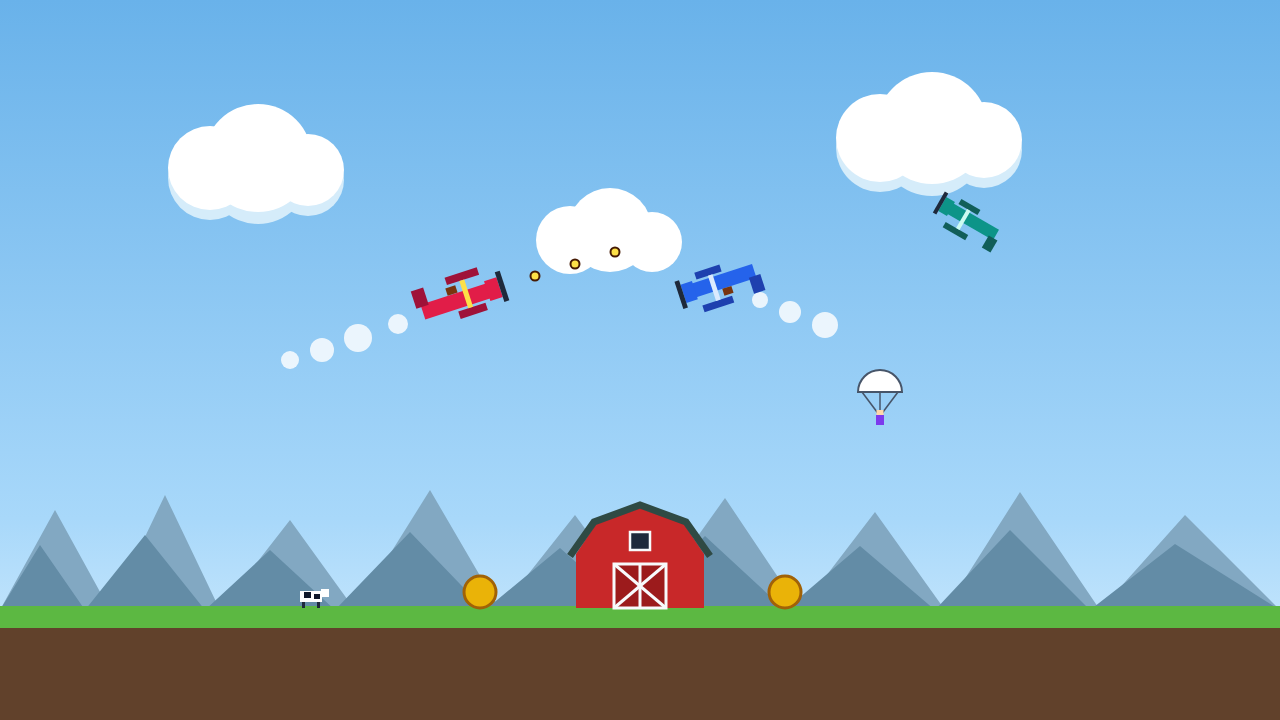
- The screen divides cleanly into two independent side-by-side scrolling cameras—the left half tracks Player 1 (red biplane) and the right half tracks Player 2 (blue biplane), each with its own bottom weapon pill, continuous throttle slider, and offscreen direction arrows.
- Need to switch to AI modes or adjust sound? Press
Esc(or click the☰button near the top-right minimap) anytime to open the lobby.
Complete 2-Player Keyboard Controls
Both pilots share a single standard keyboard comfortably without bumping hands. On the keyboard, Player 1 uses the right-hand Arrow key cluster while Player 2 uses the left-hand WASD keys; on screen, Player 1 flies the red biplane in the left viewport and Player 2 flies the blue biplane in the right viewport:
| Action | Player 1 (Left Screen · Red Plane) | Player 2 (Right Screen · Blue Plane) |
|---|---|---|
| Thrust Up / Down | ↑ / ↓ (Up / Down Arrows) |
W / S |
| Elevator Pitch / Loop | ← / → (Left / Right Arrows) |
A / D |
| Fire Machine Gun (15 rounds) | , (Comma) |
V |
| Launch Missile (×2) | . (Period) |
B |
| Catapult / Open Parachute | M |
C |
Tip for laptops and Chromebooks: If your laptop keyboard triggers ghosting when both players hold three keys simultaneously, tap throttle up to 80–100% first and release it so you only need pitch and fire during tight turns. Playing on a school device? Our Bit Planes Unblocked page also works smoothly with zero downloads.
5 Winning Tactics for 2-Player Local Duels
Head-to-head split-screen dogfights play very differently from 9-plane AI Death Match because your opponent can anticipate human traps and see your takeoff direction on their half of the screen:
- Stagger your takeoff climb: Both biplanes spawn near the red barn facing opposite directions. Instead of turning head-on into an instant coin-flip joust, climb high into the clouds first to enter the merge with an altitude advantage.
- Bait missiles with throttle cuts: Missiles accelerate fast along a thick white smoke trail, but their turning radius widens at high speed. When your rival fires, cut throttle and pull a sharp inside loop so the rocket overshoots harmlessly.
- Never ignore a parachuting rival: In Split Screen Duel, ejecting saves you from a self-crash, but a floating pilot is still a valid target—and if your rival reaches the grass safely, they can press their eject key or walk into the red barn to respawn a fresh plane immediately.
- Watch the wrap-around seam: Because the 3,400-pixel sky wraps seamlessly left to right, flying straight away from your opponent loops you around behind their tail if they chase too slowly.
- Touch down to rearm when ahead: If you have already spent both missiles and your opponent just crashed, drop throttle and glide onto the flat grass for two seconds to refill your 15 bullets, 2 missiles, and hull integrity before they take off again.
Want to practice against 8 AI aces or try 4v4 Teams and Swarm? Head to the Bit Planes homepage, or read our About page to see how the browser engine works.
No pilot notes yet — be the first to log your top flight score!