
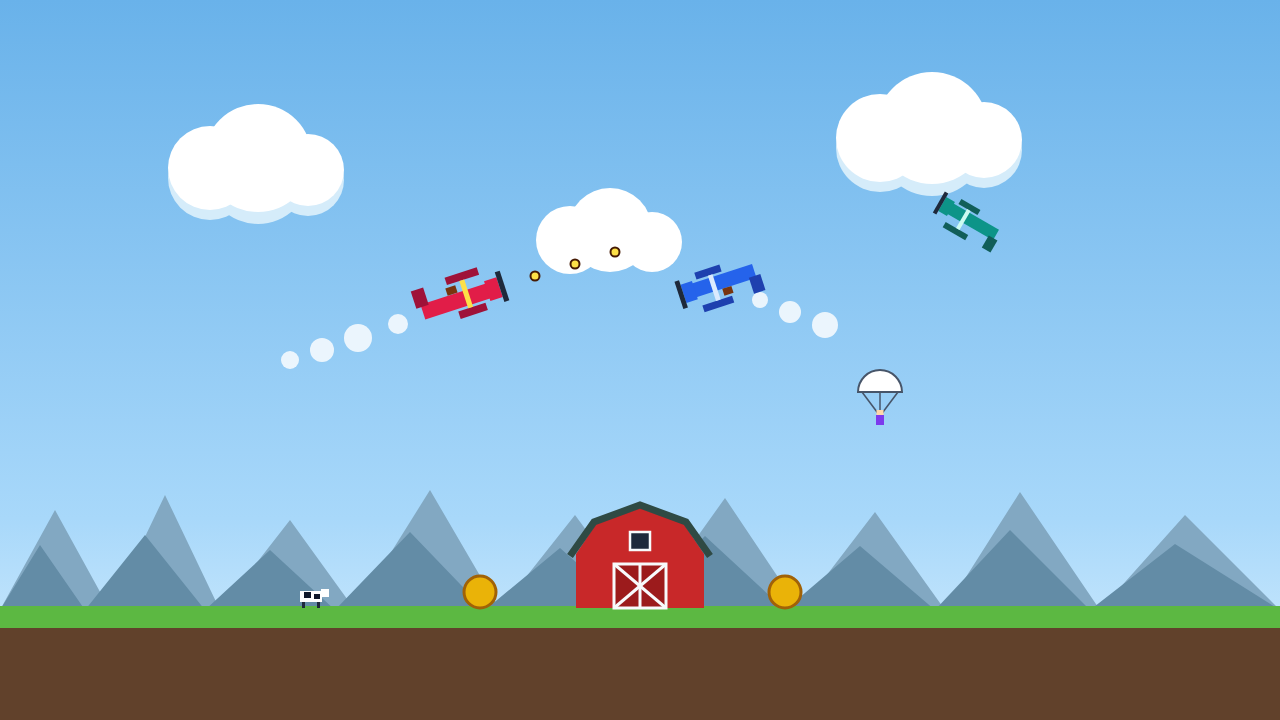
Why Bit Planes Unblocked Runs Smoothly on Chromebooks & School Browsers
Bit Planes Unblocked lets you jump straight into 2D biplane dogfights on school Chromebooks, managed laptops, or tablets—with zero downloads, zero login, automatic mobile touch controls, and one-click 2-Player Split Screen on a shared keyboard. Everything in the player above runs locally inside a single lightweight HTML5 Canvas page hosted on bitplanesgame.com, with zero external game-portal embeds or ad-network bloat.
Many browser games stall on managed school Chromebooks or work laptops because they rely on heavy WebGL asset bundles, blocked ad-network scripts, or cross-domain iframes. Here, every biplane sprite, parallax pine layer, drifting cloud, and procedural Web Audio sound effect is generated right inside your browser tab. Even on an older 4 GB Chromebook, the game holds a steady frame rate and loads in a fraction of a second.
3-Step Chromebook & Study-Break Quick Start
- Launch on the same tab with zero installs: Click Play Bit Planes Unblocked above—no Chrome extensions, downloads, login pop-ups, or blocked third-party redirects stand between you and the sky.
- Mute for quiet rooms or go Fullscreen: Tap the speaker icon (
🔊) inside the lobby or top-right minimap bar to silence audio instantly in a library or study hall, and hit Fullscreen below the frame for maximum visibility. - Finish a full match in a 5-minute break: Choose a quick solo skirmish in the lobby or jump into a one-click classmate match on Bit Planes 2-Player Split Screen. Use the complete keyboard chart right below for key bindings, or visit the Bit Planes homepage for step-by-step takeoff, cloud-cover, and parachute tactics.
Complete Unblocked Keyboard & Chromebook Controls
All controls work out of the box on standard US/UK keyboards and Chromebook layouts without conflicting with browser shortcuts:
| Action | 1-Player Keys | 2P Split Screen (P1) | 2P Split Screen (P2) |
|---|---|---|---|
| Throttle Up / Down | ↑ / ↓ or W / S |
↑ / ↓ |
W / S |
| Pitch Up / Down & Loop | ← / → or A / D |
← / → |
A / D |
| Machine Gun (15 rounds) | Space |
, (Comma) |
V |
| Smoke Missile (×2) | X |
. (Period) |
B |
| Catapult / Open Parachute | C |
M |
C |
| Return to Lobby | Esc |
Esc |
Esc |
Chromebook & Classroom-Break Tips
- Mute audio in one click: Click the speaker button (
🔊) in the lobby or inside the top-right minimap bar to toggle procedural sound effects off instantly when playing in a quiet library or study hall. - Use Fullscreen cleanly: Click Fullscreen beneath the game frame for maximum sky visibility; press
Escor tap the Exit Fullscreen button in the top-left corner to step back out immediately. - Avoid 3-key ghosting on compact laptops: Because your throttle slider stays wherever you leave it, tap
↑until throttle sits near 85–100%, then release it. That leaves your fingers free to pitch and fire cleanly on thin Chromebook keyboards. - Touchscreen Chromebooks & tablets supported: Flip a 2-in-1 Chromebook into tablet mode or open the page on a phone and on-screen touch buttons for pitch, throttle, gun, missiles, and eject appear automatically.
- Blank screen on an older Chromebook? Press
Ctrl + Shift + Rto force a clean reload, or verify graphics acceleration is enabled in Chrome system settings.
All 7 Modes Included Free
Playing the unblocked browser edition gives you the full game—never a stripped-down demo:
- Death match: Nine biplanes share one wide 3,400-pixel wrap-around sky in an all-out kill-streak battle.
- Teams: 4v4 Red vs. Blue squadron skirmishes with friendly fire disabled so you can practice flanking maneuvers.
- Duel & Survival: Focused 1v1 ace duels and single-life endurance waves that reward clean grass landings to repair your hull and restock missiles.
- Swarm & Ace Hunt: High-density enemy formations built for curving missile shots and cloud ambushes.
- 2P Split Screen: Local side-by-side dogfights on one shared keyboard—jump straight in on Bit Planes 2-Player.
Note: While this single-origin HTML5 Canvas edition avoids third-party game-portal embeds, access on managed school networks still depends on your school's local filtering policies. Please follow your school or workplace computer-use guidelines and save dogfights for free periods and breaks.
No pilot notes yet — be the first to log your top flight score!